

In today’s digital landscape, user interface (UI) and user experience (UX) design have become paramount in creating successful digital products. From websites to mobile apps, the way users interact with technology can make or break their experience. To craft intuitive, visually appealing designs, designers rely on a plethora of tools and software tailored to their needs. explore the diverse landscape of UI/UX design tools, catering to designers at every stage of the creative process.
Sketch:
Sketch has emerged as a powerhouse in UI design, loved for its vector editing capabilities and extensive plugin ecosystem. Designers appreciate its intuitive interface, which streamlines the creation of wireframes, mockups, and prototypes. With features like Symbols and Libraries, Sketch promotes consistency and efficiency throughout the design workflow, making it a favorite among professionals.
Adobe XD:
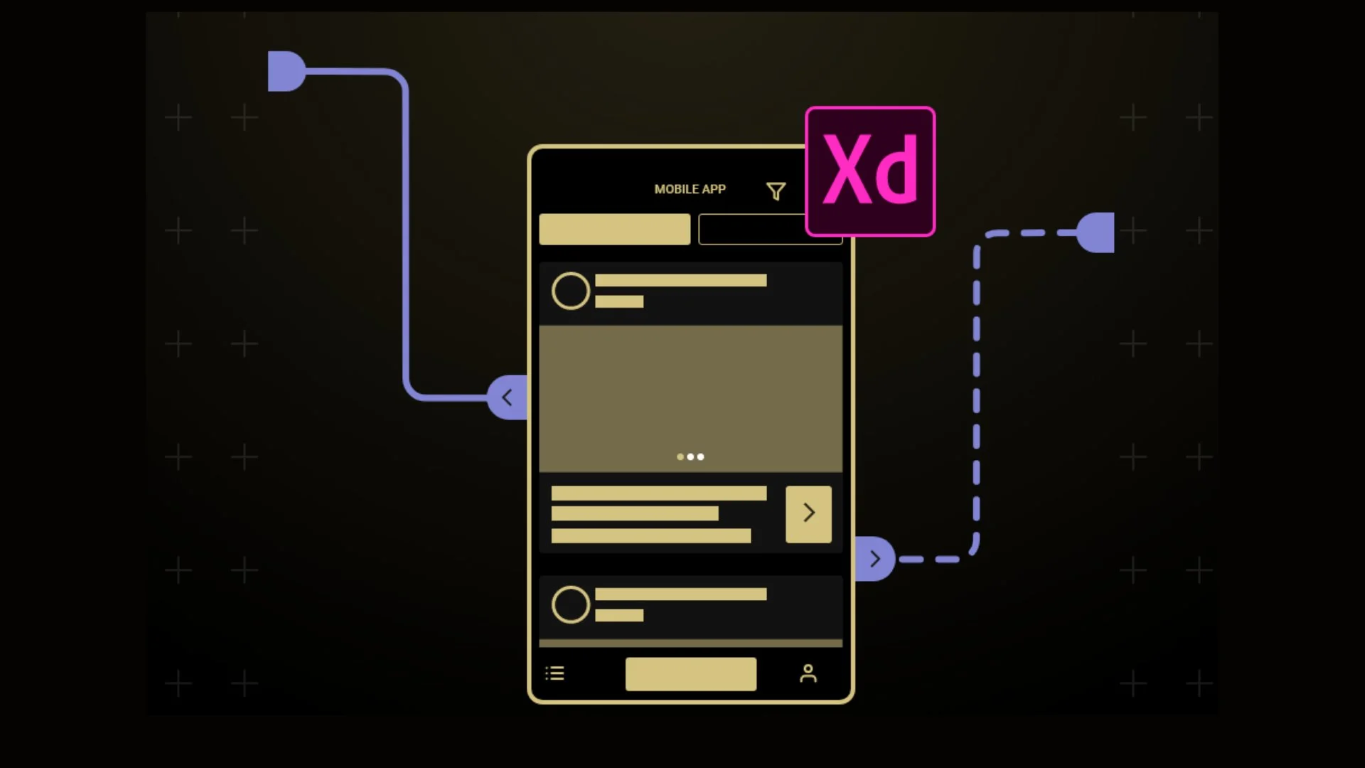
Adobe XD is Adobe’s offering for UX/UI design, boasting seamless integration with other Creative Cloud applications. It provides a robust set of features for designing, prototyping, and collaborating on projects. With features like Auto-Animate and Responsive Resize, Adobe XD empowers designers to create dynamic, interactive experiences across various devices.
Figma:
Figma has gained widespread popularity for its collaborative features and cloud-based platform, allowing multiple users to work on the same project simultaneously. Its versatile design tools enable designers to create everything from wireframes to high-fidelity prototypes within a single interface. Figma’s real-time collaboration capabilities make it ideal for remote teams, fostering seamless communication and workflow efficiency.
Adobe Photoshop:

While primarily known as a photo editing tool, Adobe Photoshop remains a staple in UI design for its robust graphic design capabilities. Designers leverage Photoshop for creating intricate visual designs, manipulating images, and crafting pixel-perfect UI elements. Despite the emergence of specialized UI design tools, Photoshop’s versatility and familiarity continue to make it a valuable asset in many designers’ toolkits.
Adobe Illustrator:

Similar to Photoshop, Adobe Illustrator is a vector graphics editor widely used for UI design. Its precision tools and scalability make it ideal for creating icons, illustrations, and other vector-based assets. Designers appreciate Illustrator’s seamless integration with other Adobe Creative Cloud applications, enabling smooth workflows across various design disciplines.
Conclusion:
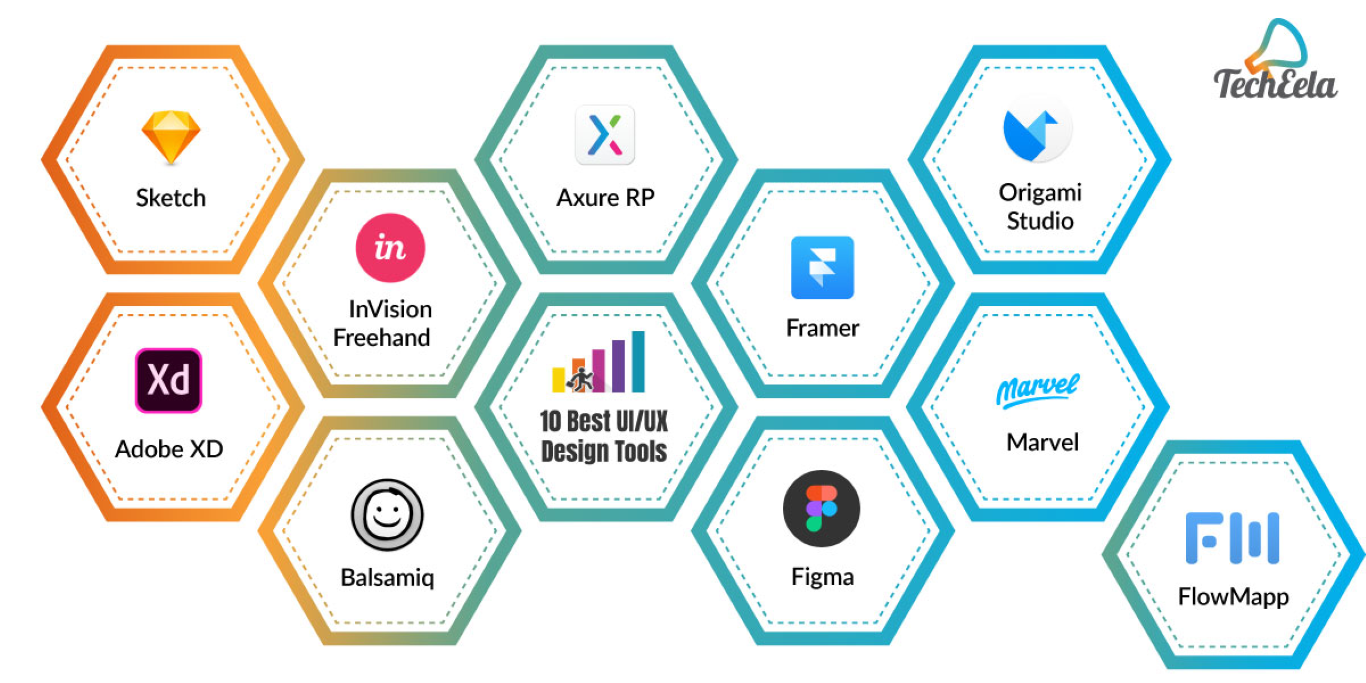
In the ever-evolving field of UI/UX design, having the right tools can make all the difference in creating exceptional digital experiences. From wireframing to prototyping and beyond, each tool offers unique features and functionalities tailored to designers’ diverse needs and preferences. Whether you’re a seasoned professional or just starting your design journey, exploring and mastering these tools can elevate your craft and help you create impactful designs that resonate with users worldwide.